IP / 2-wire Video Intercom with camera

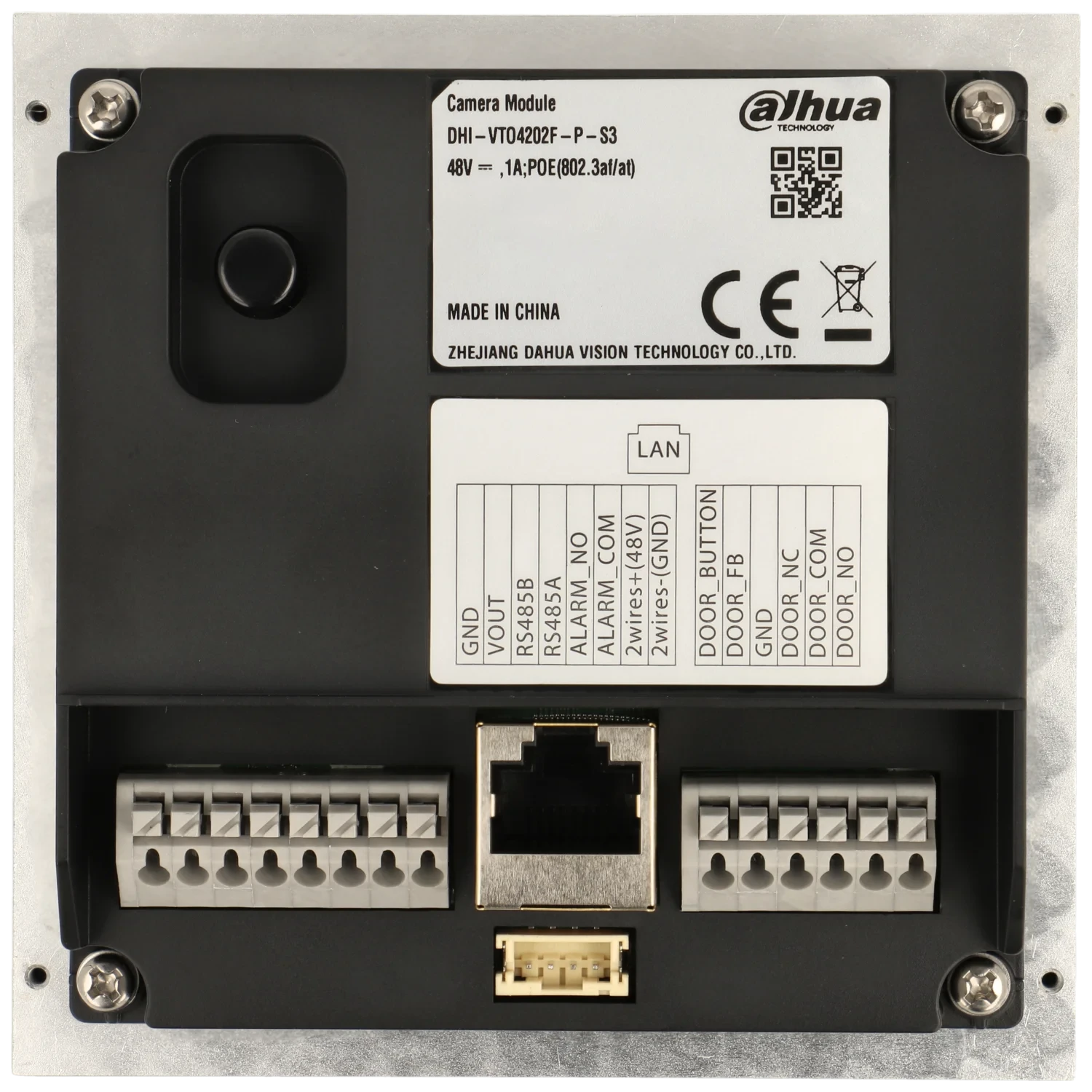
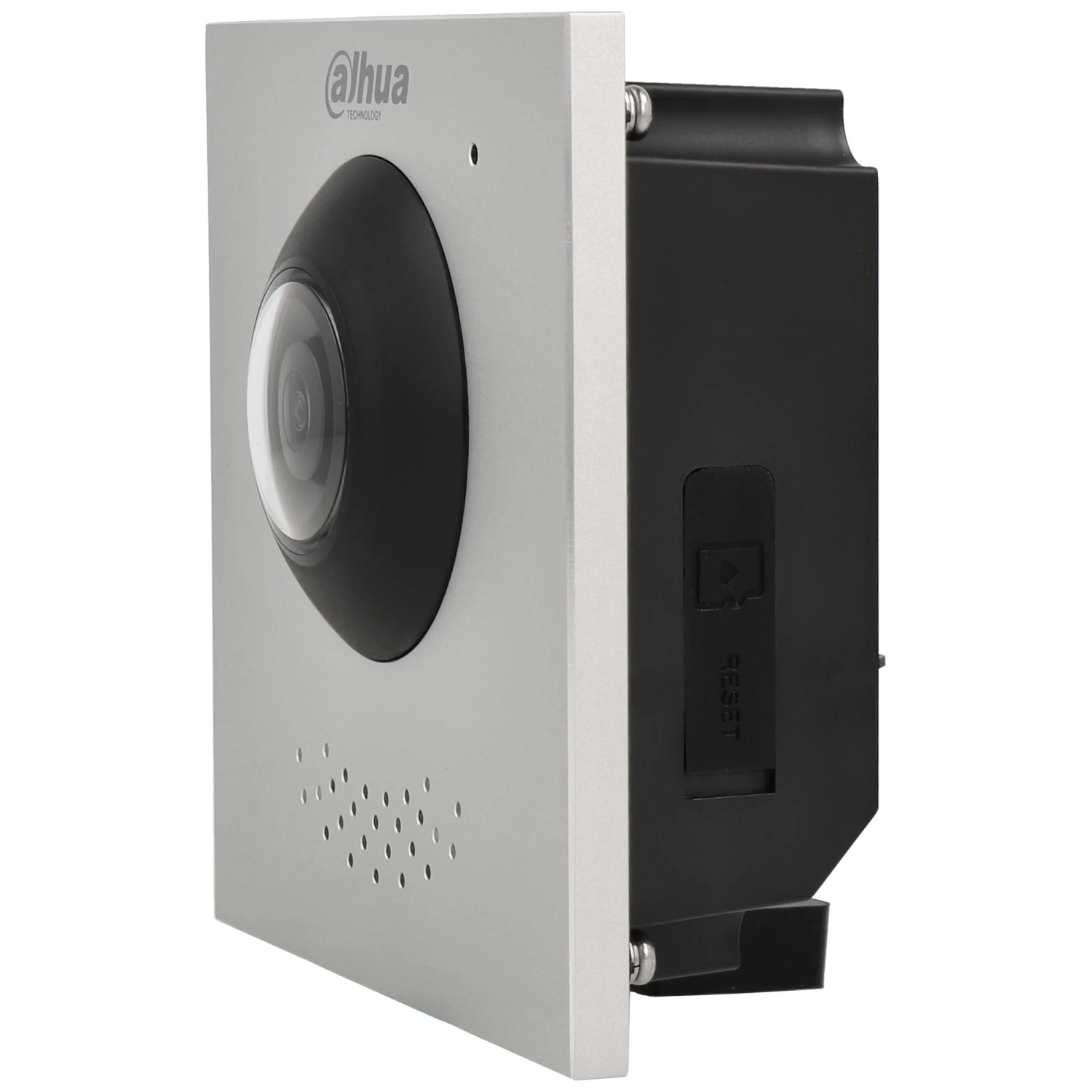
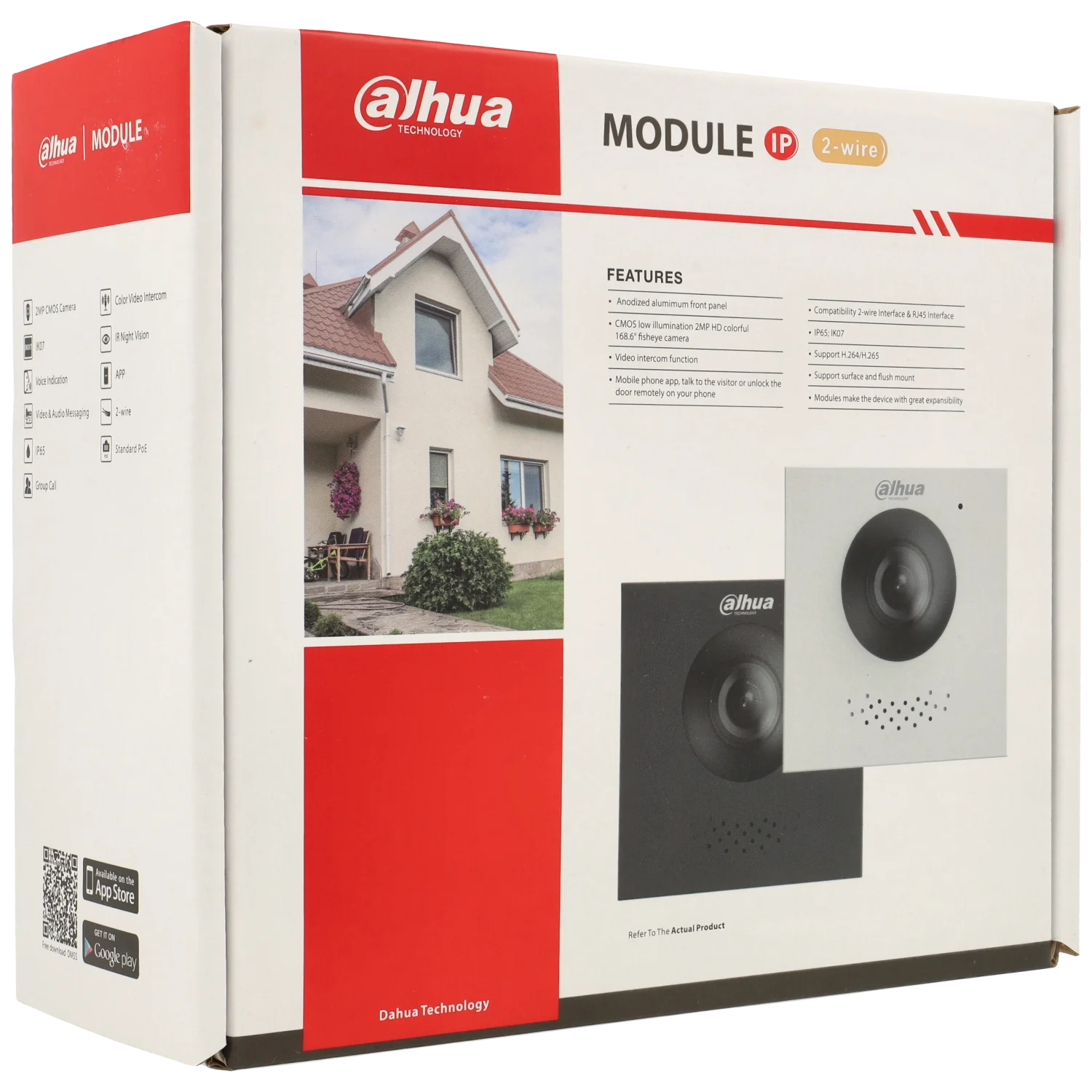


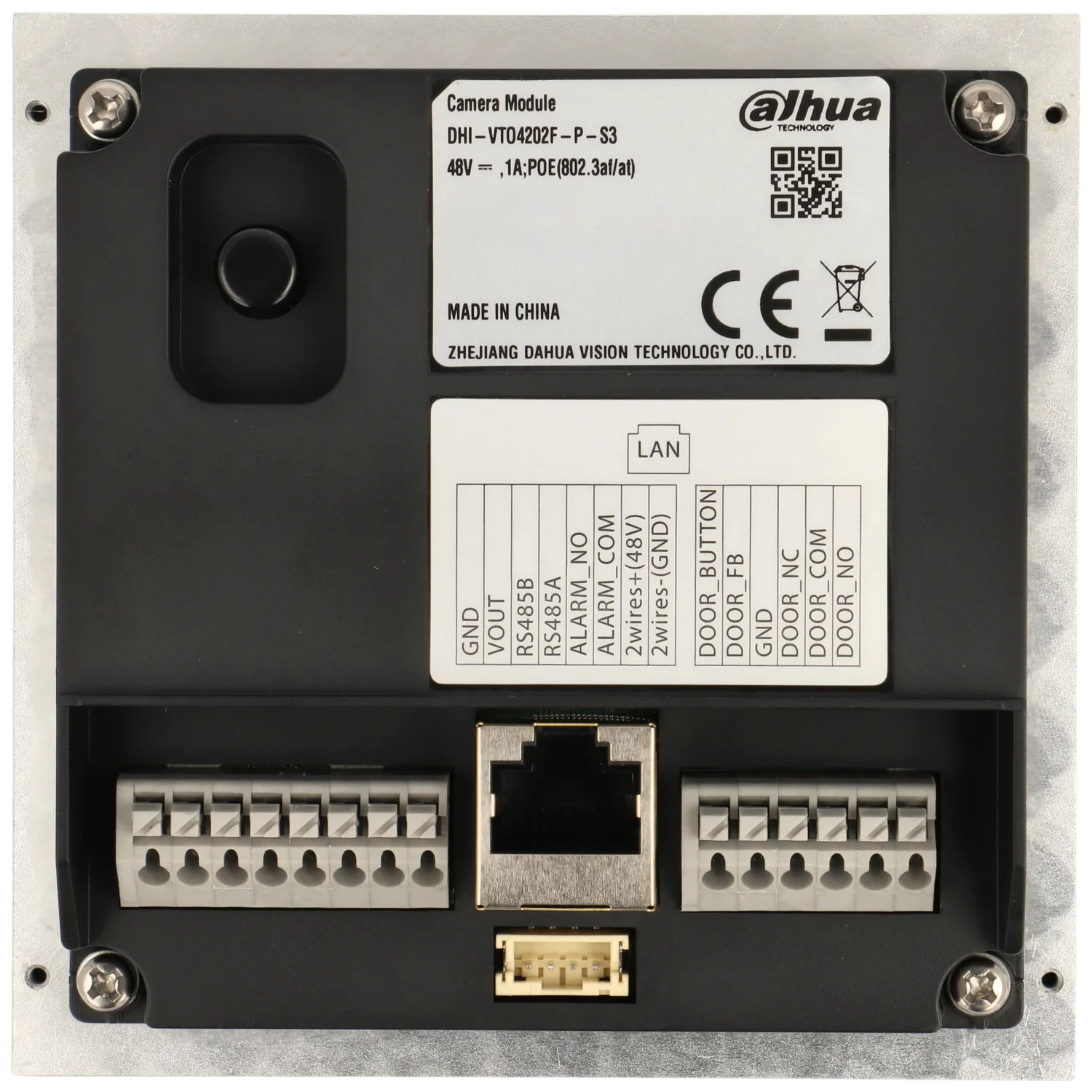
VTO4202F-P-S3
specifications and features
General information
| Technology | 2 Wires / IP |
| Type | IP / 2-wire Video Intercom with camera |
Power consumption
| Power mode | DC |
| Voltage | 48V |
| Amperage | 1000mA |
| PoE power | Yes |
| Type PoE | PoE 802.3af / PoE+ 802.3at |
| Standby consumption | ≤4W |
| Consumption On | 5W |
| Power output | 1 x 12V DC / 600mA |
Ambient
| Operating temperature | -30 ºC ~ 60 ºC |
| Degree of protection | IP65 |
| Anti vandal | IK07 |
| Use | Indoor-outdoor |
| Maximum humidity | 90% |
Material and dimensions
| Installation | Surface / embed |
| Dimensions | 100 x 100 x 49.3 mm |
| Net weight | 300 g |
| Weight with packaging | 470 g |
| Color | Grey |
Inputs/Outputs
| RS485 | 1 |
| Door sensor | 1 |
| Botón de salida | 1 |
| Blocking entry | 1 |
| Alarm output | 1 |
System (Recorders)
| Processor | Embedded Processor |
| Operating system | Embedded LINUX |
Capacity
| Cards | 3000 |
AUDIO (VIDEO INTERCOM)
| Sound input | 1 |
| Sound output | Built-in speaker |
| Bidirectional audio | Sí |
| Audio compression | G.711A/G.711U/PCM |
GENERAL CHARACTERISTICS (VIDEO INTERCOM)
| Memory slot | SD up to 256Gb |
| Message recording if no response | Yes (SD card required) |
CAMERA
| Resolution | 2 Mpx |
| Sensor | CMOS |
| Sensor size | 1/2.9' |
| Horizontal viewing angle | 169º |
| Diagonal angle of view | 177º |
| Day / Night | IR |
| Video compression | H.265 |
NETWORK CHARACTERISTICS (INTERCOM MONITORS)
| Network protocol | SIP / P2P / IPv4 / UPnP / DNS / RTSP / RTP / TCP / UDP |
| ONVIF | Yes |

To install this Web App in your ISO device press and then Add to Home Screen.